
Who still has fees due?
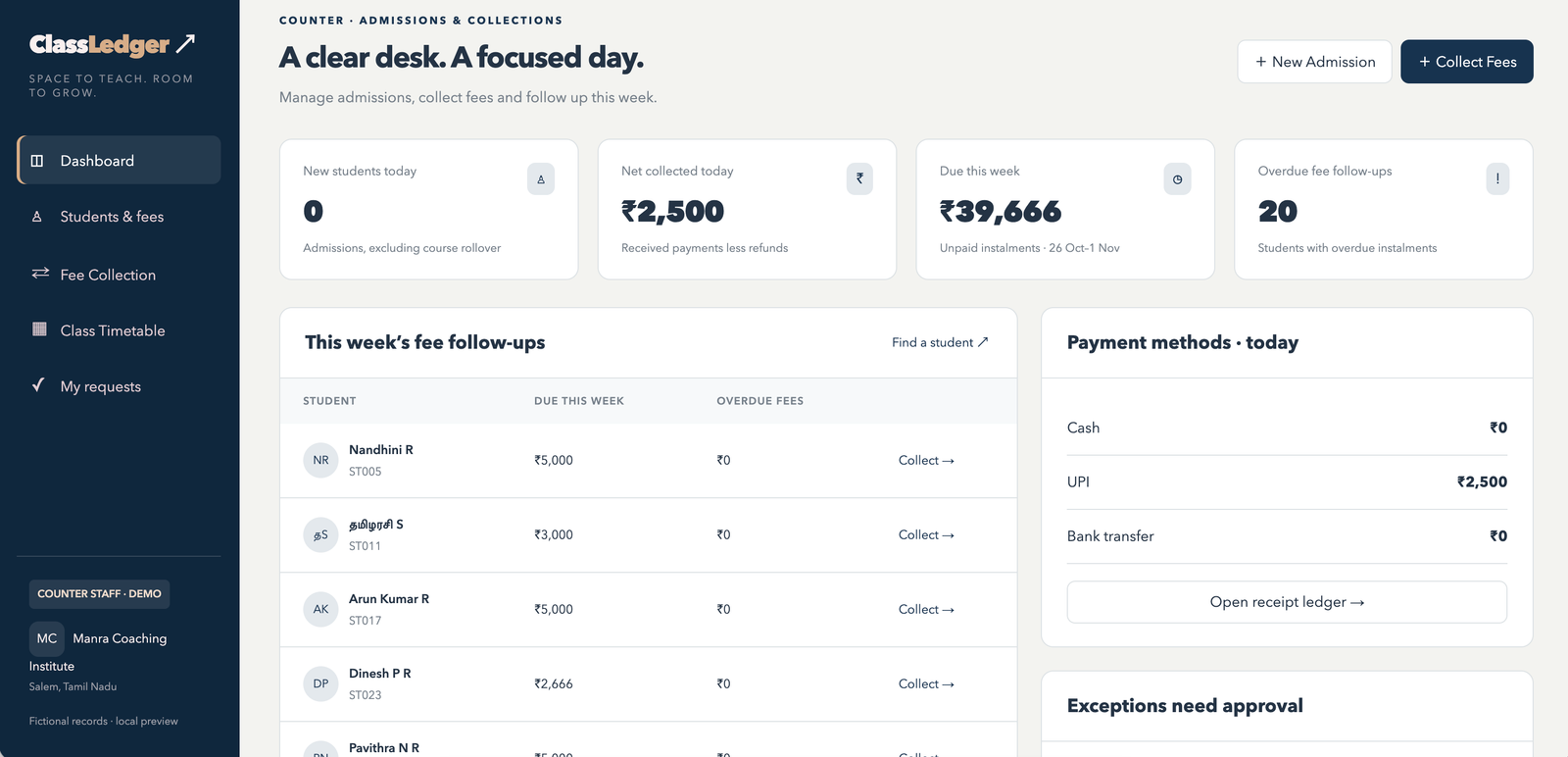
Find balance fees, overdue instalments and payment history against the correct student and course.
For coaching institutes
Manage student admissions, fee collections, receipts, class timetables and faculty teaching hours in one workspace—with clear responsibilities for your staff and visibility for management.
Assisted data setup and staff training.
A look inside ClassLedger · Manra Coaching Institute is a fictional demonstration institute
The daily challenge
When student records, fee collections and class schedules sit in separate books or spreadsheets, checking the details takes time.
Find balance fees, overdue instalments and payment history against the correct student and course.
Review cash, UPI and bank collections, issue receipts and reconcile the day’s records.
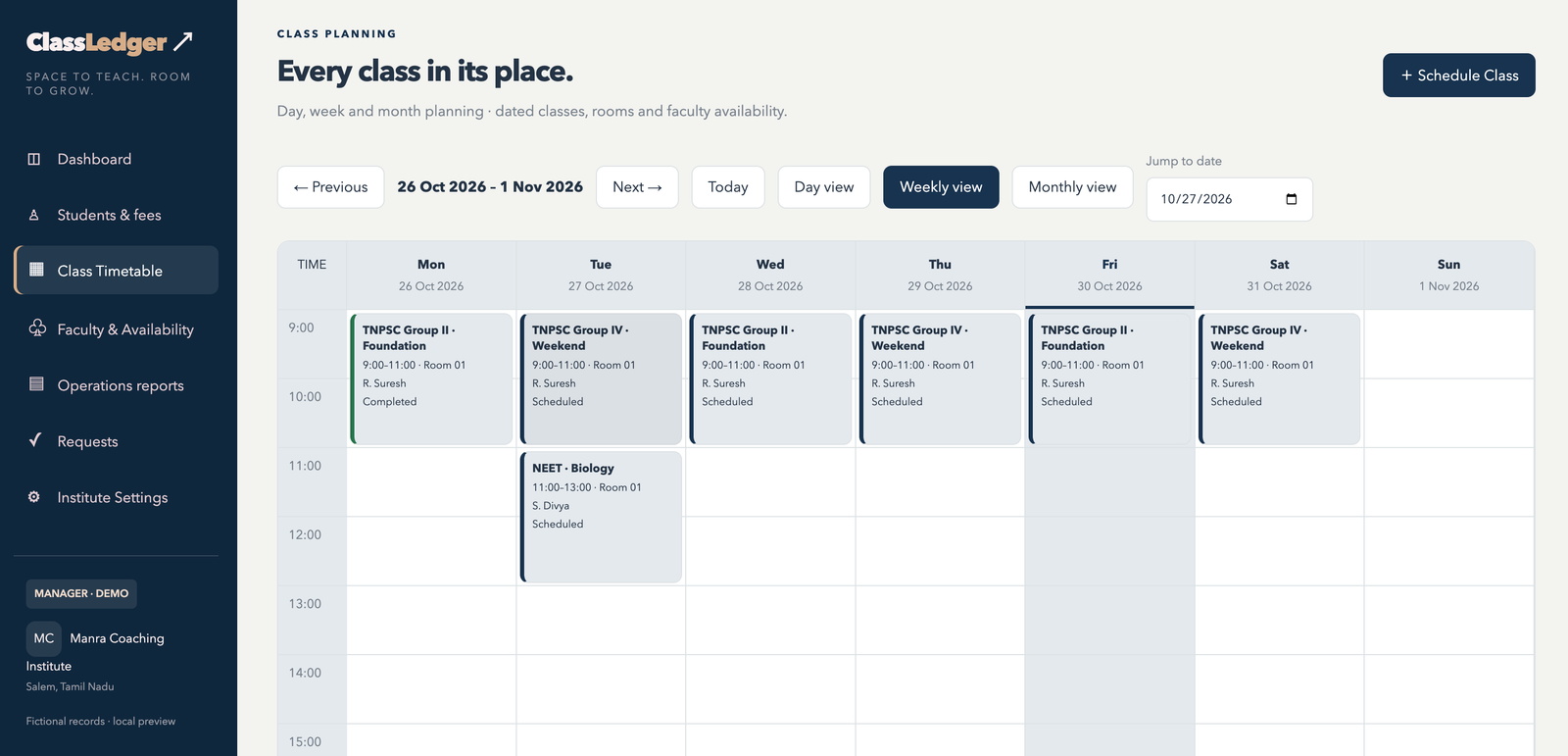
Check the timetable, faculty availability and room bookings before scheduling or changing a class.
The demonstration
Follow a student admission, record a fee collection, issue a receipt and review the class timetable.
Features
Keep student details, course admissions and agreed fee instalments together. Profile photos are optional.
Record collections against the correct admission, check balance fees and download numbered fee receipts.
Plan with daily, hourly weekly and monthly views. Schedule recurring classes and check for faculty, room and batch conflicts.
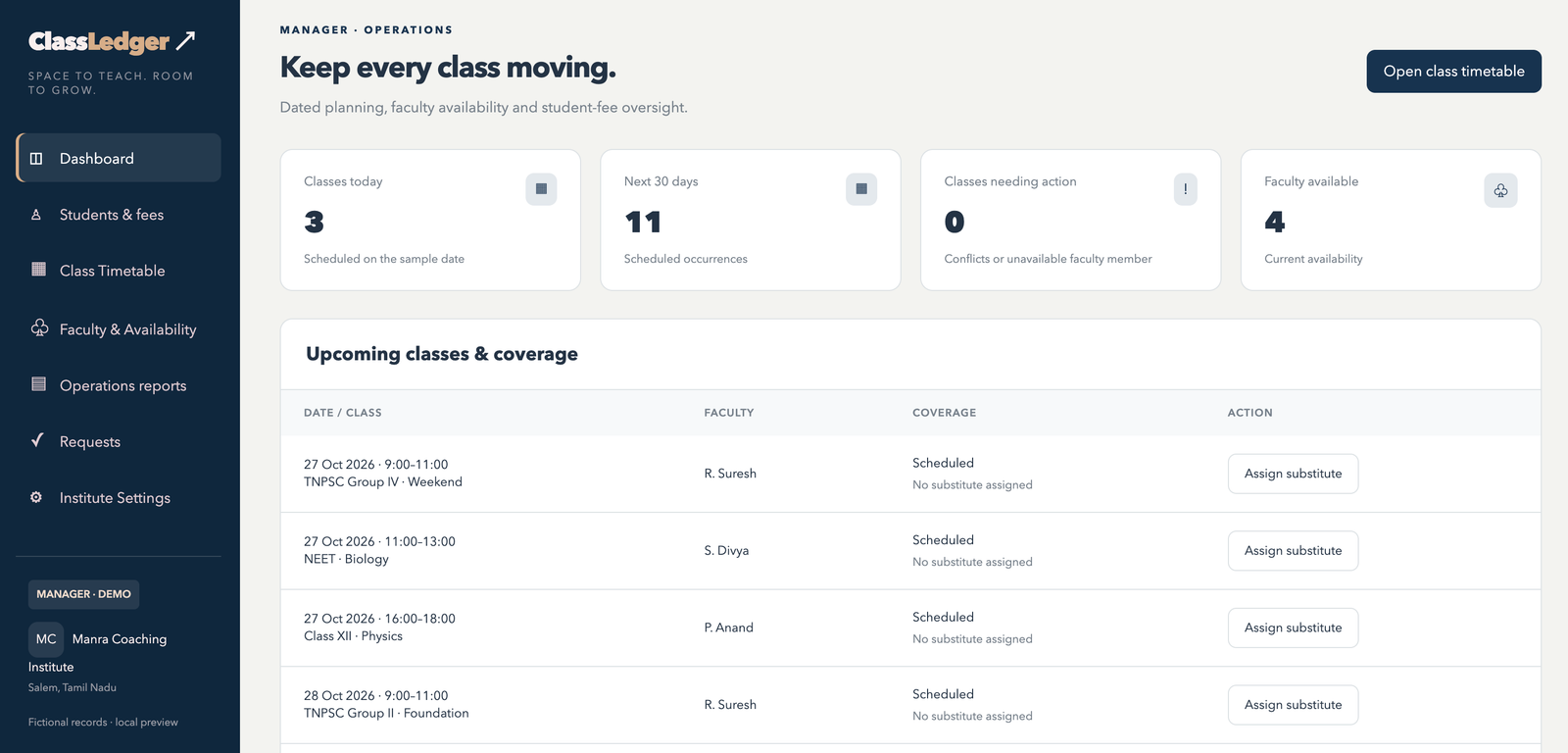
Maintain faculty profiles, subject specialisation, course coverage, availability and rates per hour. Arrange substitutes when needed.
Review scheduled and completed teaching hours separately. Download faculty reports for weekly, monthly or custom periods.
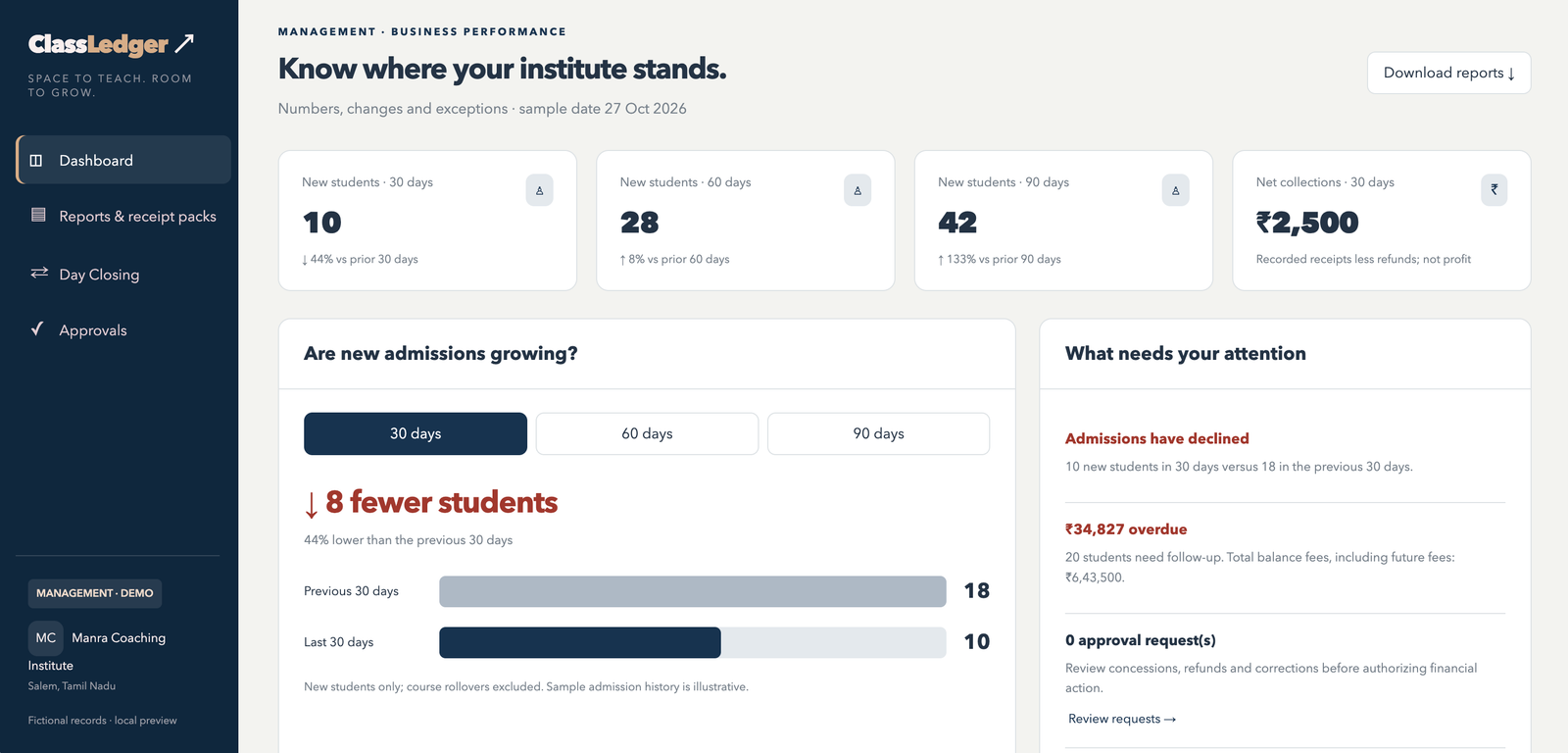
Reconcile collections, submit the closing for management review and download period reports and receipt filing packs.
Your team
Student admissions, fee collections, receipts, dues follow-ups and closing submission—with view-only access to the timetable.
Student fee oversight, class planning, faculty availability, teaching reports, institute settings and counter-staff access.
Admission trends, collection figures, financial approvals, Day Closing and downloadable reports.
The institute shown in these screenshots is fictional. ClassLedger is a product by Manra Consultants.
Getting started
We help prepare your data, configure the workspace and train staff on their daily tasks.
Discuss your institute’s requirementsAgree the records and workflows needed for your institute.
Review students, courses, fee balances, faculty and schedules before import.
Configure the workspace and practise each role’s core tasks.
When the live workspace is ready and your records are accepted, begin the 30-day trial with the agreed support arrangements.
FAQs
Coaching institutes that want clearer fee records, organised class planning and better visibility into daily operations.
Yes. We help prepare and check the agreed records before importing them. Opening balances are reviewed with your institution before use.
ClassLedger records payments received through cash, UPI or bank transfer and generates fee receipts. It does not itself transfer student funds.
Yes. Counter Staff, Manager and Management have different responsibilities and access.
No. Photos are optional and can be added later.
Book a demonstration. We will discuss your process and the preparation needed for an assisted trial.
See it with your own workflow
Tell us how you currently manage fee collections and class schedules. We’ll show you the relevant ClassLedger workflows.
Book a demo on WhatsApp